
| Lesson 1 – Introduction to Virtualization |
| 1. Virtualization concepts |
| 2. Types of virtualization |
| 3. Hypervisors: Type‑1 vs Type‑2 |
| Lesson 2 – VMware Workstation Overview & Installation |
| 1. System requirements |
| 2. Installing VMware Workstation on Windows/Linux |
| 3. VMware Tools installation |
| Lesson 3 – Virtual Machine (VM) Management |
| 1. Creating and configuring VMs |
| 2. Installing guest OS (Windows/Linux) |
| 3. Powering on/off, suspend/resume, reset |
| 4. VM deletion and cloning |
| Lesson 4 – Snapshots & Templates |
| 1. Creating and managing snapshots |
| 2. Reverting to snapshots |
| 3. Cloning VMs |
| 4. Using templates |
| Lesson 5 – Virtual Networking |
| 1. NAT, bridged, host-only networks |
| 2. Configuring network adapters |
| 3. Connecting multiple VMs |
| Lesson 6 – Virtual Storage & Hardware |
| 1. Configuring virtual disks |
| 2. Adding/removing virtual devices (CPU, RAM, USB, CD/DVD) |
| 3. Resource allocation and performance tuning |
| Lesson 7 – Administration & Maintenance |
| 1. Workstation preferences and settings |
| 2. Performance optimization |
| 3. Troubleshooting common VM issues |
| Prerequisites |
| Basic computer skills (installing software, using Windows/Linux) |
| Basic networking knowledge (IP addresses, NAT, DHCP, bridged networking) |
| Familiarity with operating systems (Windows and/or Linux) |
| Hardware capable of virtualization (Intel VT-x/AMD-V, sufficient RAM and disk space) |
| Basic understanding of virtualization concepts (helpful but not mandatory) |
| What Will You Learn |
| Installing and configuring VMware Workstation on Windows/Linux |
| Creating and managing virtual machines (VMs) |
| Installing guest operating systems inside VMs |
| Configuring virtual networks (NAT, bridged, host-only) |
| Snapshot management and VM cloning |
| Resource allocation (CPU, RAM, storage) for VMs |
| Sharing VMs and managing team collaboration |
| Basic troubleshooting of VMs and virtual networks |
| Introduction to virtualization concepts and best practices |
| Benefits of Taking VMware Workstation Training |
| Learn how to create, run, and manage virtual machines confidently |
| Gain hands-on experience with desktop virtualization tools |
| Practice installing and testing multiple operating systems on one machine |
| Improve skills for IT, system administration, and virtualization roles |
| Save time and resources by using virtual environments for testing |
| Build practical knowledge useful for real-world IT projects and labs |
| Career Opportunities |
| VMware / Virtualization Administrator |
| Virtualization Engineer / Infrastructure Engineer |
| Cloud / Hybrid Cloud Engineer |
| IT Support / System Administrator |
| Consultant / Freelancer |
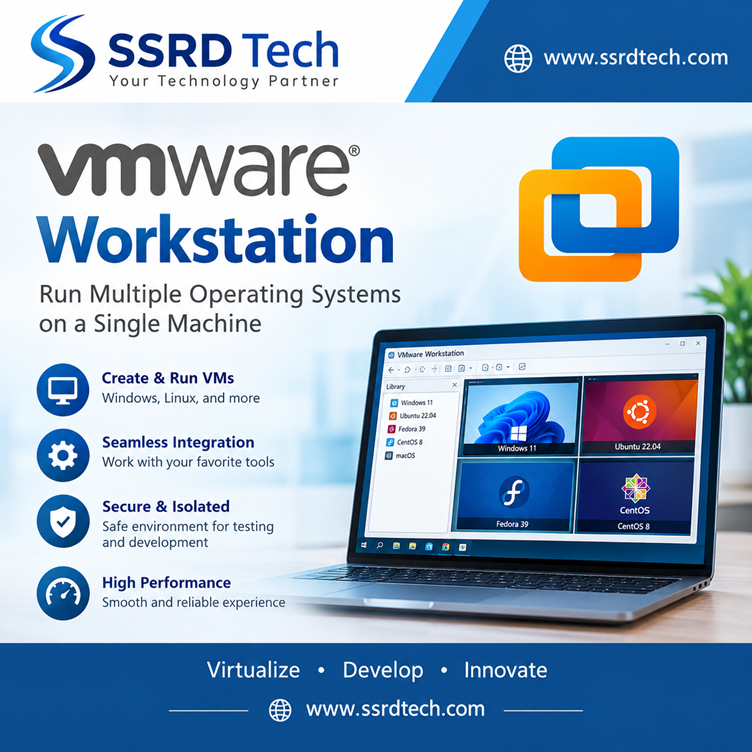
VMware Workstation
Original price was: ₹30,000.00.₹25,000.00Current price is: ₹25,000.00.
Related products
-
Add to cart
vSphere & SDDC
Original price was: ₹30,000.00.₹25,000.00Current price is: ₹25,000.00.