| Module 1: Cohesity Architecture & Core Concepts (2 Hours) |
| • Cohesity Overview • Platform Architecture • SpanFS File System • Nodes, Clusters, and Storage Concepts • Data Platform Fundamentals • Helios Overview • Licensing Models • Cohesity Deployment Models |
| Module 2: Installation & Initial Configuration (2 Hours) |
| • Cluster Deployment • Node Addition • Networking Configuration • DNS, NTP, SMTP Setup • VLAN Configuration • IPMI Basics • Security Hardening • Initial Cluster Health Check |
| Module 3: Protection Sources Configuration (3 Hours) |
| • VMware vCenter Integration • Hyper-V Integration • Physical Servers Protection • NAS Protection • Oracle, SQL, SAP HANA Basics • Active Directory Integration • Linux and Windows Agent Configuration |
| Module 4: Protection Policies & Job Management (3 Hours) |
| • SLA Domains Deep Dive • Protection Groups • Backup Scheduling • Retention Policies • Incremental Forever Backups |
| • Application Consistent Backups • Archival Policies • Replication Policies |
| Module 5: Recovery & Restore Operations (2 Hours) |
| • File-Level Restore • VM Instant Recovery • Database Recovery • Bare Metal Recovery • Cross-Platform Restore • Granular Recovery Options • Recovery Validation |
| Module 6: Replication, DR & Cloud Integration (3 Hours) |
| • Site-to-Site Replication • Disaster Recovery Planning • Cloud Archive Setup • AWS Integration • Azure Integration • GCP Basics • Failover and Failback Concepts |
| Module 7: Security & Ransomware Protection (2 Hours) |
| • Immutable Backups • MFA and RBAC • Security Best Practices • Threat Detection • Anomaly Detection • Cyber Vault Concepts • Air-Gapped Backup Strategy |
| Module 8: Monitoring, Reporting & Troubleshooting (3 Hours) |
| • Alerts and Notifications • Dashboard Monitoring • Helios Monitoring • CLI Basics • Logs Collection • Common Issues Troubleshooting • Performance Tuning |
| • Capacity Planning |
| Module 9: Upgrade, Patch & Maintenance (2 Hours) |
| • Cluster Upgrade Process • Patch Management • Firmware Updates • Node Replacement • Disk Failure Handling • Health Check Validation • Support Case Best Practices |
| Module 10: Advanced Administration & Interview Preparation (3 Hours) |
| • Multi-Cluster Management • API Basics • PowerShell Automation • REST API Overview • Real-Time Production Scenarios • Migration from NetBackup/Veeam/Commvault • Interview Questions and Answers • Hands-on Troubleshooting Scenarios |
| Hands-On Labs Included |
| • Cluster Deployment Lab • VMware Protection Lab • Restore Testing Lab • Replication Setup Lab • Cloud Archive Lab • Troubleshooting Lab • Upgrade Simulation Lab |
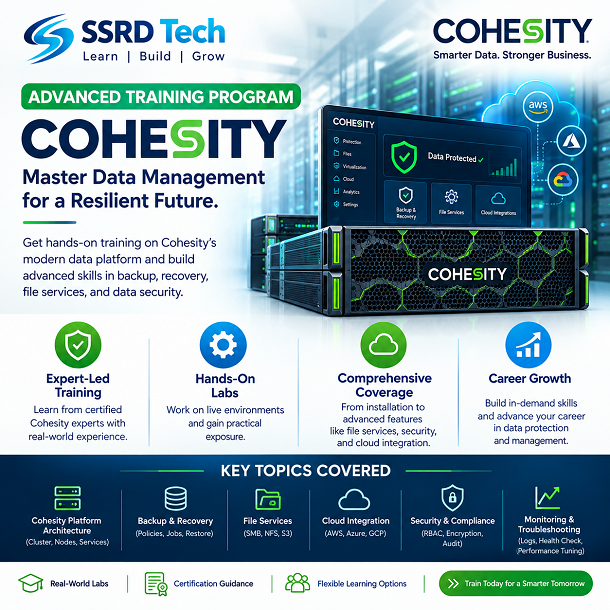
Cohesity Advance Training
₹25,000.00
Related products
-
Add to cart
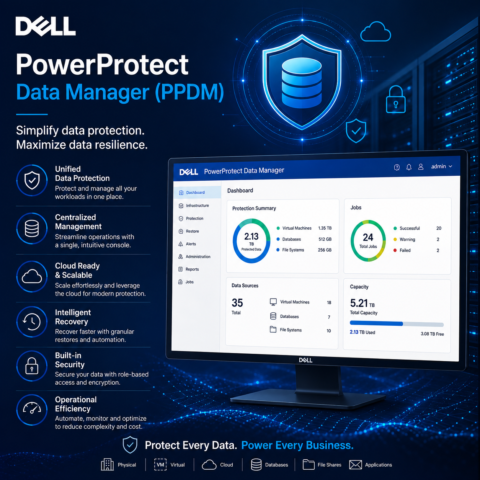
Dell PowerProtect Data Manager (PPDM)
Original price was: ₹27,500.00.₹25,000.00Current price is: ₹25,000.00. -
Add to cart
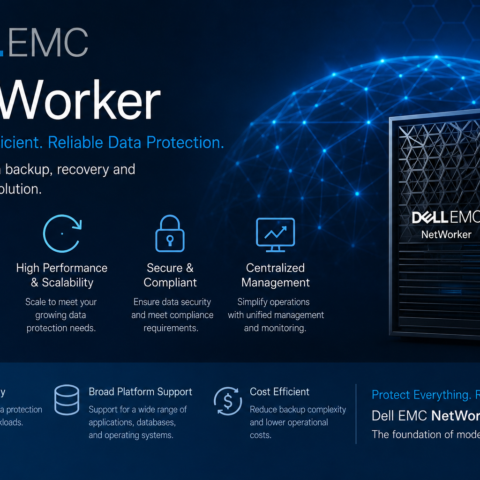
Dell EMC NetWorker
Original price was: ₹29,000.00.₹25,000.00Current price is: ₹25,000.00. -
Add to cart
Veeam Backup & Replication v13.1
Original price was: ₹29,000.00.₹25,000.00Current price is: ₹25,000.00. -
Add to cart
HPDP
Original price was: ₹30,000.00.₹25,000.00Current price is: ₹25,000.00.