
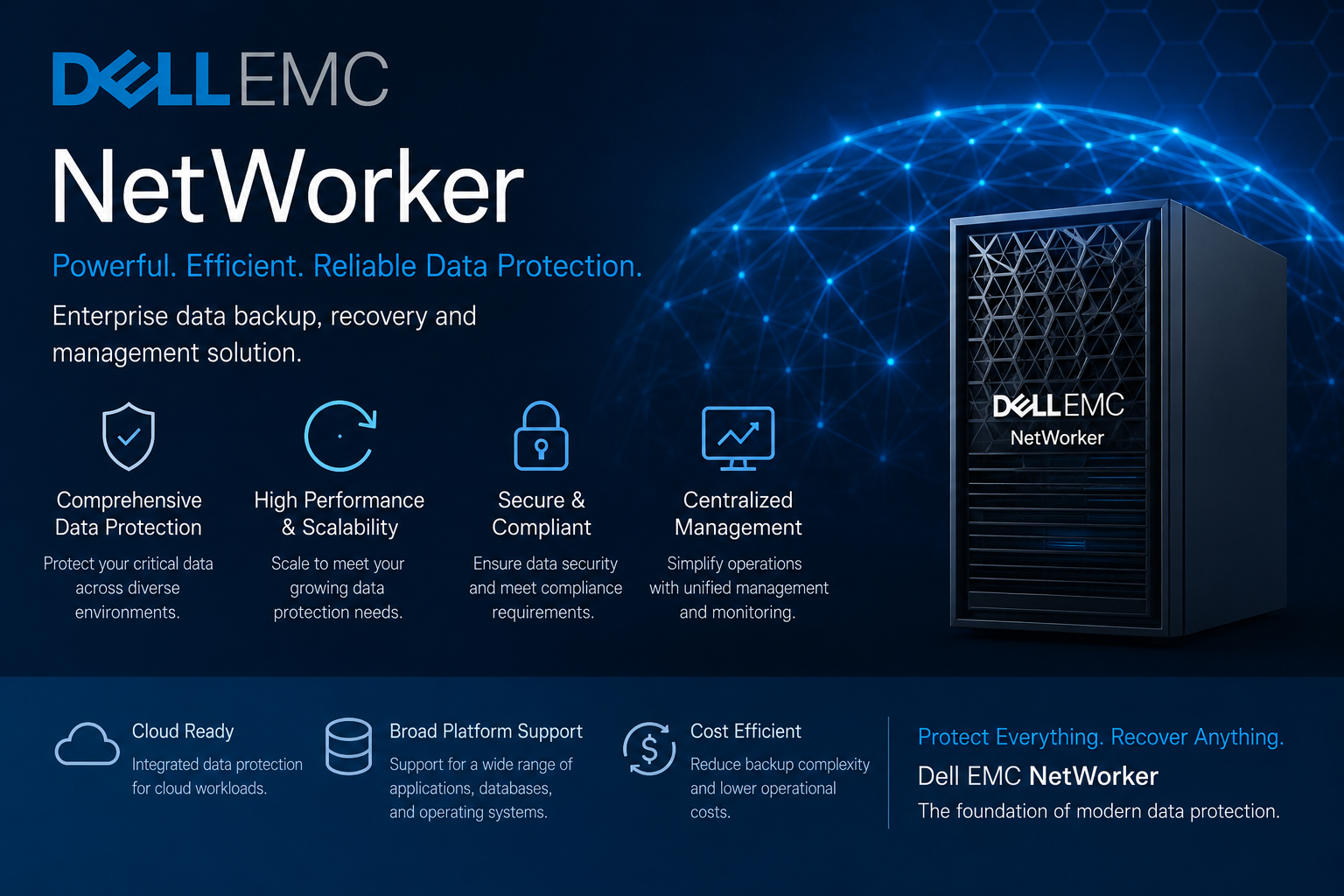
Module 1: Introduction to NetWorker
- Overview of Backup & Recovery concepts (RPO/RTO, retention, full/incremental/differential)
- NetWorker architecture overview and core design principles
- NetWorker components and their roles:
- NetWorker Server (control plane / scheduling / catalog)
- Storage Node (data movement and device hosting)
- Client (protected host / application)
- Media Database (volume and device metadata)
- Client File Index (file-level metadata)
- NetWorker features & typical enterprise use cases
- Supported platforms overview and compatibility considerations
Module 2: Installation & Deployment
- Planning a deployment: sizing, network, DNS, time sync, firewall ports
- Pre-requisites for installation (OS packages, permissions, storage layout)
- NetWorker Server installation (Linux/Windows) – step-by-step overview
- Storage Node installation and validation
- Client installation and basic connectivity checks
- Licensing and feature enablement (NMC / enablers where applicable)
- Initial configuration wizard and baseline settings
- Service verification and post-install health checks
Module 3: NetWorker Management Console (NMC)
- NMC overview and how it maps to administration and monitoring tasks
- Navigation and UI familiarization (Administration vs Monitoring)
- User/role configuration and access control basics
- Dashboards, monitoring views, and operational workflows
- Reporting basics: what to check daily/weekly
Module 4: Devices & Storage Configuration
- Storage types and when to use them:
- Tape libraries (drives, robotics, barcode handling)
- Disk-based storage (AFTD – Advanced File Type Device)
- Data Domain integration (DD Boost)
- Device configuration workflow: create, scan, mount, and validate
- Pool strategy: Default pool vs custom pools (by workload/retention)
- Labeling, mounting, and volume management fundamentals
- Storage Node connectivity and performance considerations
- Best practices for storage design in large environments
Module 5: Backup Configuration
- Creating and managing clients (attributes, savesets, protection scope)
- Backup groups and scheduling concepts
- Workflow / action model (where applicable in newer versions)
- Full, Incremental, Differential backup behavior and selection
- Client Direct backups (why/how and when to enable)
- Policy-based configuration overview (if applicable to version)
- Application-aware concepts and common integrations:
- Oracle basics (RMAN integration overview)
- Microsoft SQL basics (VSS and consistent backups)
- VMware overview (image-level backups)
Module 6: VMware Backup Integration
- VMware protection concepts (image-level vs file-level)
- Center integration and permissions
- Proxy deployment overview (newer versions) and role
- CBT (Changed Block Tracking) concepts and common issues
- Image-level backup configuration basics
- Granular recovery overview (file/folder/item-level where supported)
- Common operational scenarios and best practices
Module 7: Data Domain Integration
l Deduplication fundamentals and Data Domain positioning
l DD Boost concept and benefits
l Configuration flow: credentials, devices/units, and policy mapping
l Storage Unit creation and usage planning
l Performance tuning basics: concurrency, network, and streams
l Operational validation checks
Module 8: Backup Monitoring & Reporting
l Monitoring backups using NMC (success/failure patterns)
l Understanding backup session details and status codes
l Log file overview and how to interpret common messages
l Alerts and notifications configuration
l Basic reporting and audit/compliance checks
l Daily operations checklist (what an admin should verify)
Module 9: Restore & Recovery Operations
l File-level restore workflow (client initiated vs admin initiated)
l Directed restores (restore to alternate host/path)
l Bare Metal Recovery (BMR) overview and prerequisites
l VMware restore scenarios (full VM vs files where supported)
l Database recovery basics (high-level steps and considerations)
l Disaster recovery procedures and recovery validation
Module 10: Media & Device Management
l Volume lifecycle: labeling ® writing ® retention ® recycling
l Retention policies and expiration basics
l Cloning and staging concepts (why and how used)
l Recycling & reclaiming media safely
l Tape handling best practices and operational hygiene
l Troubleshooting device/volume mount and inventory issues
Module 11: Security & User Management
l Authentication overview and secure administration practices
l Role-Based Access Control (RBAC) concept
l Encryption basics (in-flight and at-rest where applicable)
l Secure backup design: least privilege, separation of duties
l Operational controls: audit trails and change discipline
Module 12: Performance Tuning & Optimization
l Backup window optimization techniques
l Parallelism and multiplexing concepts (impact and best practice)
l Network tuning fundamentals (MTU, latency, bandwidth planning)
l Storage Node load balancing considerations
l Best practices for large-scale environments
Module 13: Troubleshooting & Logs Analysis
l Common backup failures and how to isolate root cause
l Restore troubleshooting scenarios
l Key logs to know (examples):
l • daemon.raw
l • system messages / OS logs
l • savegrp / group logs
l Command-line and NMC-based troubleshooting approach
l Connectivity, name resolution, permission and media issues
l Building a repeatable troubleshooting checklist
Module 14: Command Line Administration
l Why CLI matters in enterprise operations
l Key tools and common usage patterns:
l • nsradmin (configuration queries/updates)
l • mminfo (media and save set queries)
l • nsrmm (media operations)
l • nsrclient (client checks)
l • recover (restore operations)
l Command-based backup/restore execution basics
l Scripting fundamentals for reporting and automation (intro)
Module 15: Disaster Recovery (DR) & High Availability (HA)
l NetWorker Server DR concepts (what to protect and why)
l Backup of NetWorker server components (catalog/index/media db)
l Recovering a NetWorker Server: high-level procedure
l HA configurations overview and design considerations
l DR validation and periodic test recommendations
Module 16: Advanced Topics
l NDMP backups for NAS (overview, concepts, operational notes)
l Cloud integration overview (where applicable)
l Snapshot integration concepts (array-based / workflow overview)
l Multi–data center design considerations
l Cross-site replication concepts (high-level)
Module 17: Hands-On Labs (Highly Recommended)
l Setup a NetWorker lab from scratch (server, storage node, clients)
l Configure disk storage (AFTD) and run first backup
l Integrate Data Domain (simulated if physical DD not available)
l Perform backup and restore scenarios (file-level + directed restore)
l VMware backup practical (overview and workflow)
l Troubleshoot real-time issues using logs and NMC
l Operational runbook creation (daily checks, escalation notes)
Course Duration (Recommended)
l Corporate Training: 5 Days (40 Hours)
l Weekend Batch: 6–8 Weeks
l Fast Track: 7–10 Days
Target Audience
l Backup Administrators
l Storage Engineers
l System Administrators
l VMware Administrators
Prerequisites
l Basic Linux/Windows administration knowledge
l Storage and networking fundamentals
l Backup fundamentals (preferred, not mandatory)
Optional Add-ons (Recommended for Training Programs)
l Interview Q&A;: NetWorker vs NetBackup vs Commvault (scenario-based)
l Real production scenarios and failure simulations
l Troubleshooting playbook (quick reference)
l Resume and profile guidance for backup roles
Note: The syllabus can be tailored for your environment (Data Domain, Tape, VMware, Oracle, SQL) and the exact NetWorker version used in your organization

Reviews
There are no reviews yet.